Back
Back April 22, 2026
AI Ghost Mannequin: How to Create the Effect in Seconds (No Photoshop)
Ghost mannequin used to mean three things: a physical mannequin, a consistent studio setup, and a long session in Photoshop. If you have worked through the traditional method, you know exactly how long that pen-tool masking takes once the novelty wears off.
AI changes both the input and the timeline. An ai ghost mannequin tool takes a flat-lay photograph of your garment and produces a professional ghost mannequin image in under 60 seconds - no mannequin, no compositing, no Photoshop. This post shows you exactly how it works, what the results look like across different garment types, where ghost mannequin ai tools handle the effect cleanly, and where they still have limits.
If you are new to the ghost mannequin concept, our complete guide to the ghost mannequin effect covers the fundamentals. This post assumes you know what you are after and want to know whether AI gets you there.
What "AI Ghost Mannequin" Actually Means
The phrase "ai ghost mannequin" gets used in at least two different ways, and the distinction matters for your results.
The first use is broad: any AI tool that removes a background or isolates a garment. Background-removal apps - PhotoRoom, Remove.bg, Pixelcut - fit this description. These tools are fast and cheap, but they are not doing ghost mannequin work. They strip the background. They do not reconstruct the inside of a neckline, generate the depth of a collar opening, or preserve sleeve drape as if the garment were worn on a body. The result is a cutout, not a ghost mannequin ai composite.
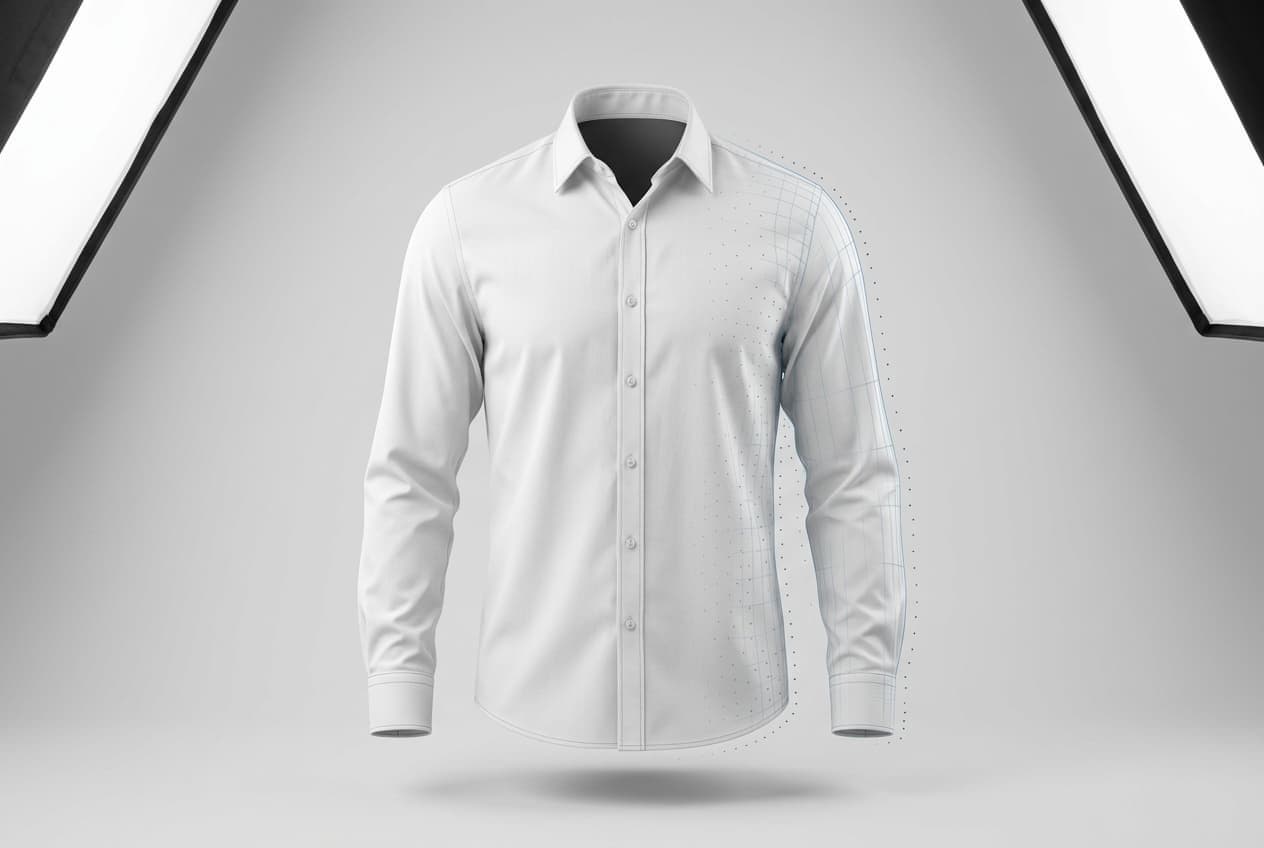
The second use - the technically accurate one - describes purpose-built AI that understands garment geometry. A true ai ghost mannequin effect requires the model to do several things a background remover cannot: segment the garment from whatever it rests on, infer the 3D shape of the piece, generate the neck interior and sleeve cavities that would be visible if a body were inside, and preserve fabric drape throughout. That is a meaningfully different task.
This post is about the second category. Understanding the difference saves you a frustrating afternoon with a background-removal tool that produces a floating flat silhouette and calling it done.
How It Works (Under the Hood, Briefly)
You do not need to understand the model architecture to use a ghost mannequin photo ai tool. But knowing what the AI is actually doing makes it easier to prepare inputs correctly and interpret the quality you get back.
Segmentation. The model first identifies the garment boundary in your photo - separating the fabric from whatever is behind, below, or around it. This works on flat lays, mannequin shots, or photos taken on a table. A clean, evenly lit image against a plain background gives the segmentation model the clearest signal.
Shape reconstruction. Once the garment is isolated, the AI infers its 3D shape: where the shoulders sit, how the neckline curves, whether the piece is structured (blazer, button-front shirt) or relaxed (jersey tee, oversized sweater). This is what lets the output show depth rather than a flat silhouette - the AI is generating a view of the garment as it would sit on a body.
Neck and cavity inpainting. The inside of the collar, sleeve openings, and hem are generated through inpainting - filling in what should be visible based on garment type and fabric. For most general-purpose AI tools, this is the failure point. Purpose-built fashion AI is specifically trained on these transition areas.
Fabric-aware drape preservation. A cotton shirt hangs and folds differently than a silk blouse or a knit sweater. Fashion-trained AI preserves this distinction because it was trained on clothing imagery specifically, not general scenes. FuturMotion's AI Image Edit applies fabric-aware processing, which is why the output reads as a clothing product photo rather than a generic AI render.
If you have used AI background removal for fashion and found the edge quality on clothing accurate, the ghost mannequin workflow draws on the same underlying garment understanding - applied to a harder compositing problem.
Step-by-Step: Create an AI Ghost Mannequin Photo
This is the actual workflow using FuturMotion. Once you have your source photo ready, the process takes 30-60 seconds per garment.
Step 1: Shoot a flat lay (or use a mannequin shot you already have)
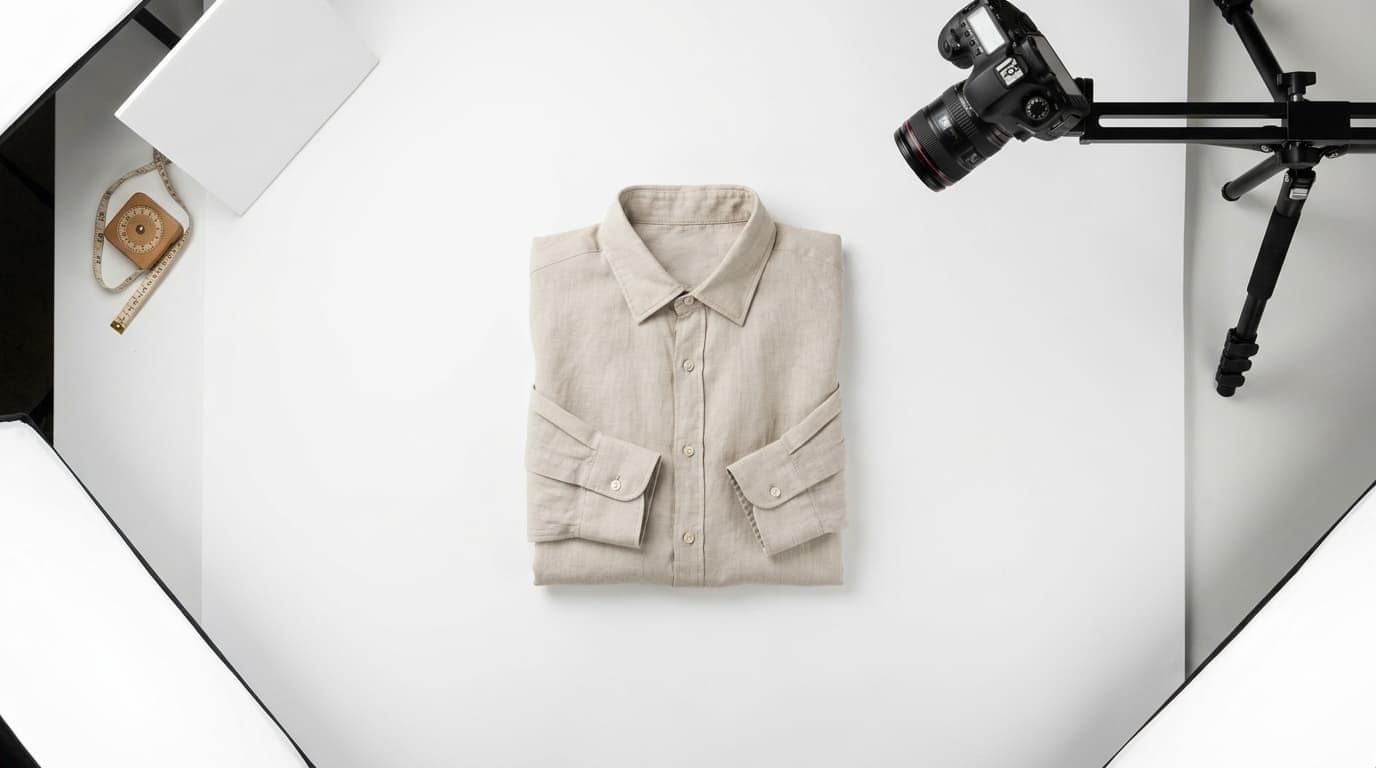
You do not need a mannequin. A flat lay - garment laid flat on a clean white surface, smoothed and arranged naturally - is the preferred input for most ai ghost mannequin tools.
A few things that make a real difference:
- Even lighting. Natural light from a window or two softboxes at 45 degrees. Avoid direct overhead lighting that creates harsh shadows across the garment.
- Full visibility. The entire garment should be in frame, including collar, hem, and both sleeves. If part of the garment is out of frame, the AI cannot reconstruct it.
- Smooth and styled. Smooth out any bunching. Arrange the collar naturally and let sleeves fall at a slight outward angle. Wrinkles in the source photo carry through to the final image.
- Plain background. White or light gray. A white foam board costs under $10 and is sufficient. High contrast between garment and surface improves segmentation accuracy.
Step 2: Upload to FuturMotion
Log in, open the AI ghost mannequin tool, and upload your flat-lay image. FuturMotion accepts JPEG and PNG. A 3-5 megapixel image is sufficient for standard e-commerce output.
Step 3: Apply the ghost mannequin transformation
Select the ghost mannequin or invisible mannequin output option. The AI runs segmentation, shape reconstruction, and inpainting. Processing typically takes 20-40 seconds depending on garment complexity and server load.
Step 4: Review and adjust if needed
The output is ready to preview in the interface. For most garments, no adjustment is needed. If the neck interior needs refinement - a collar that sits slightly high, or a sleeve edge that needs cleaning - FuturMotion's AI Image Edit tools let you make targeted edits without starting the process over.
Step 5: Export web-optimized versions
Download in JPEG or PNG at the resolution your marketplace requires. Most major platforms - Amazon, Shopify, Etsy - recommend a minimum of 1,000px on the long edge; 2,000-2,500px gives you room for zoom functionality. FuturMotion exports sRGB, which matches the color space expected by every major e-commerce platform.
Honest time comparison:
| Method | Time per garment |
|---|---|
| AI ghost mannequin (FuturMotion) | 30-60 seconds |
| Photoshop DIY (intermediate skill) | 45-90 minutes |
| Outsourced editing | 24-72 hour turnaround |
What AI Produces: Four Garment Examples
Since this post cannot show images directly, here is what the ghost mannequin ai output looks like across typical garment categories - and what specifically the AI reconstructs in each case.
Cotton T-shirt. Segmentation is clean and fast. A crew, V-neck, or scoop neckline renders with consistent collar-roll depth and natural texture. Sleeve openings show the hemmed interior edge. Standard jersey tees are the easiest garment type for AI ghost mannequin tools, and the output is reliably publish-ready.
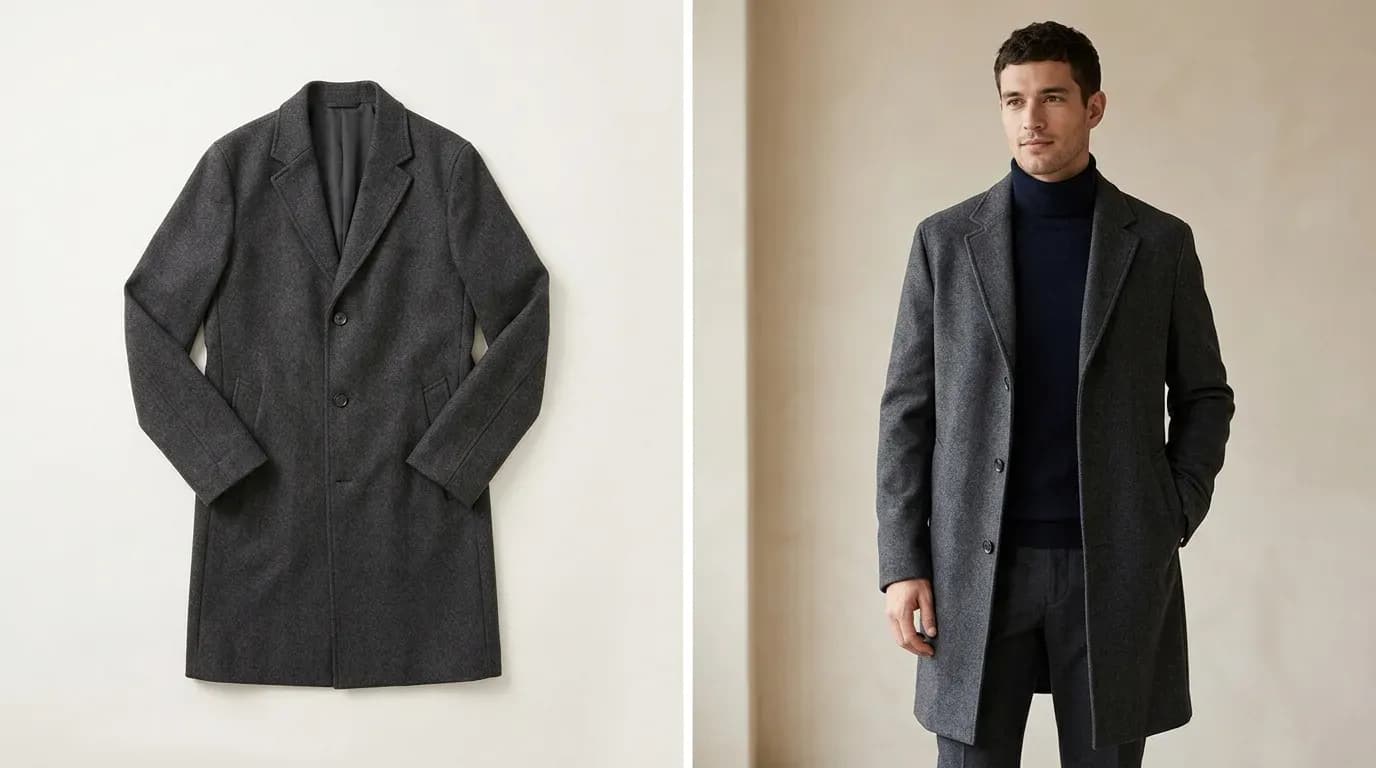
Structured blazer. Shape reconstruction handles lapels, shoulder structure, and front opening. The collar roll and lapel facing render with visible edge depth. Sleeve openings show the interior lining. AI performs consistently here because structured garments have predictable geometry - the model has extensive reference data for what a blazer should look like.
Knit sweater. The model handles knit texture and the way a knit drapes. A rib-knit crew, turtleneck, or wide cowl renders with texture consistency at the neck opening and sleeve edges. Complex cable or heavily textured knits can occasionally show inpainting artifacts at the collar join; more on this in the limitations section.
Silk blouse. Woven fabric sheen and drape is where fashion-trained AI shows its clearest advantage over generic tools. The model generates the subtle shadow variation that shows fabric weight and movement. Collar and cuff interiors render with appropriate depth. Highly sheer silks are harder - covered in the limitations section below.
Where AI Ghost Mannequin Wins
Speed. Thirty seconds per garment versus 45-90 minutes in Photoshop is not a marginal improvement - it is a workflow change. A 50-piece collection that would take two editing days in Photoshop takes under an hour through an automatic ghost mannequin tool.
Cost. FuturMotion's Creator plan ($49/month) provides approximately 5,000 credits - around 500 garments at the ghost mannequin quality tier, which puts the effective cost at roughly $0.10-$0.50 per image. That compares to $0.89-$3.00 for outsourced editing-only services, and $15-$50 per SKU for full-service ghost mannequin photography. For a brand refreshing 200+ SKUs per season, the difference compounds quickly. For context on what full-service ghost mannequin costs actually look like, the professional photography shoot trap runs $5,000-$20,000 per collection.
Catalog consistency. Every image runs through the same model with the same processing parameters. No variation between sessions, no quality gap between the first garment in a batch and the fiftieth. Catalog-level consistency - which matters in online marketplaces where mismatched product photos erode brand trust - is a structural output of the AI workflow, not something you have to enforce manually.
No studio infrastructure. No mannequin ($150-$500), no softbox rig, no seamless backdrop, no studio rental. The input is a phone photo of a garment on a clean surface. For brands in sample stage, pre-launch, or those who have always shot flat lays and wanted more from them, an automatic ghost mannequin workflow removes the infrastructure barrier entirely.
Launch timing. A new drop can move from flat-lay photo to published listing in under two minutes. Outsourced editing services run 24-72 hours; Photoshop DIY requires blocked editing time. Weekly or bi-weekly product launches are significantly more manageable with a ghost mannequin photo ai tool than with any manual workflow.
Where It Still Struggles
This section exists because honest tools earn credibility. AI ghost mannequin is genuinely capable on most garments - and genuinely limited on some.
Highly transparent fabrics. Sheer chiffon, voile, organza, and fine lace are difficult for any AI ghost mannequin system. The segmentation step requires clear garment boundaries, and transparent fabric makes that boundary ambiguous. Results on sheer pieces often show edge artifacts or incomplete cavity rendering. If sheer fabric is a primary product category for you, test during a free trial before processing a full batch.
Heavy surface embellishment. Sequins, beaded appliqué, thick embroidery, and metallic prints create unpredictable light reflection that can confuse the segmentation model. Heavily embellished garments often produce cleaner results when shot on a mannequin rather than a flat lay - the garment is elevated and the embellishment sits more naturally.
Complex layered outfits. AI ghost mannequin handles single pieces cleanly and layered pieces inconsistently. When two garments are shot together as one product image, the model needs to distinguish two garment boundaries, render the outer piece's interior while the inner piece shows below the hem, and handle overlaps at sleeves and collars. Results here are less reliable than on single-piece garments.
Fine structural collar detail. Notch lapels, peaked lapels with welt pockets, and complex collar constructions can show slight inpainting inconsistency at the join between garment exterior and rendered interior. For most e-commerce use cases, this is not visible at standard image sizes. For large-format editorial, a targeted AI Image Edit touch-up may be needed.
"Can You Tell It's AI?" - The Quality Anxiety Question
This is the question every clothing seller eventually asks, and it deserves a direct answer.
For most standard garments at e-commerce sizes: no. A well-shot flat lay of a cotton tee, woven shirt, denim jacket, or knit sweater processed through FuturMotion produces an ai ghost mannequin image that is visually indistinguishable from a manually composited Photoshop result at the resolutions used on Amazon, Shopify storefronts, and Etsy.
The "uncanny valley" concern sellers raise usually comes from experience with two categories of tool they are not actually working with here: generic AI image generators (Midjourney, DALL-E) and consumer-grade background removers. Both are optimized for general visual content. They do not understand garment geometry. When applied to clothing, the output often shows distorted fabric drape, missing collar depth, or a flat silhouette that looks pasted rather than worn.
Purpose-built fashion AI is a different category. FuturMotion's model is trained specifically on clothing imagery. It understands that fabric drape on jersey differs from drape on woven, that a knit collar rolls differently than a woven one, and that the inside of a neck opening should show depth and shadow. These are the visual cues that make a ghost mannequin image read as real - and they are exactly what generic tools miss.
The honest qualifier: quality is visible when it is absent. A flat lay shot with uneven lighting, heavy wrinkles, or garment bunching will produce AI output that reflects those source conditions. Good input quality remains essential regardless of which tool you use.
AI Ghost Mannequin vs. Photoshop vs. Outsourcing
For a full vendor comparison across all categories - including general-purpose apps - see our complete ghost mannequin services comparison. This table focuses on the three core approaches.
| AI Ghost Mannequin (FuturMotion) | Photoshop DIY | Outsourced Editing | |
|---|---|---|---|
| Time per garment | 30-60 seconds | 20-90 minutes | 24-72 hr turnaround |
| Cost per image | ~$0.10-$0.50 | ~$21/mo + editing time | $0.89-$50/SKU |
| Skill required | None | High (Pen tool mastery) | None |
| Output consistency | High - same model every run | Varies by skill and session | Varies by provider |
Bonus: Turn Your Ghost Mannequin Photo Into a Living Motion Video
No other ghost mannequin tool does this.
Once you have your ghost mannequin output in FuturMotion, the same platform converts that still product photo into a Living Motion video - a short, loop-ready animated video showing the garment with fabric-aware motion. The fabric moves. The collar rolls. The piece breathes.
Every other ghost mannequin method - Photoshop, outsourced editing, general AI tools - produces a still image. That image goes on your product page, in your email, and in your social posts as a static. The brands competing with you in the same ad placement, running the same Reel or TikTok spot, are typically doing it with video from a separate production shoot.
FuturMotion's AI fashion photography platform produces both in the same workflow. The motion video that previously required a second production day becomes a 10-second step after your ghost mannequin export.
FAQ
Is there an AI that does ghost mannequin?
Yes. Purpose-built AI ghost mannequin tools exist and produce professional results for e-commerce fashion. FuturMotion takes a flat-lay photograph as input and outputs a ghost mannequin product image in under 60 seconds - no mannequin, Photoshop, or technical skill required. General-purpose tools like Remove.bg or Pixelcut handle background removal but do not produce the full ghost mannequin composite (neck interior, cavity depth, garment drape). Those are different tools solving different problems.
Can AI do ghost mannequin, and how accurate is it?
For most standard garments - knits, wovens, denim, jersey, structured outerwear - purpose-built AI ghost mannequin tools produce results that are accurate at e-commerce image sizes. Output shows realistic garment shape, collar depth, and fabric drape. Accuracy decreases on highly transparent fabrics, heavy surface embellishment, and complex layered outfits. For the garment categories that represent the majority of clothing catalogs, the quality gap between AI and skilled Photoshop work has narrowed to the point where it is not visible at standard listing sizes.
Is there a free ghost mannequin AI tool?
Most AI ghost mannequin tools, including FuturMotion, offer a free trial so you can test results on your actual garments before subscribing. FuturMotion's paid plans start at $25/month (Basic, 2,000 credits). Sustained high-quality ghost mannequin ai free use across a full catalog is not available at no cost - the model infrastructure required is expensive to run. For initial testing and small batches, a free trial is typically sufficient to evaluate output quality on your specific garment types.
What is the best AI ghost mannequin tool?
For fashion e-commerce specifically, FuturMotion is the most purpose-built option in 2026: it handles garment segmentation, neck interior inpainting, and fabric drape in a single workflow step, and outputs a Living Motion video alongside the still image. The key differentiators versus general AI tools are fashion-specific model training, video output capability (no other ghost mannequin tool offers this), and output consistency at catalog scale.
AI ghost mannequin vs. Photoshop - which produces better results?
For most clothing brands, ghost mannequin ai is the stronger choice on every practical dimension: speed (seconds vs. 20-90 minutes), cost (under $1 vs. editing time plus Photoshop subscription), consistency (same model every run vs. skill-dependent output), and content type (still plus video vs. still only). Photoshop provides finer control over individual edge treatment - a meaningful advantage for editorial work where images appear at large print sizes. For e-commerce product photography at catalog scale, AI is the practical choice.
Does AI ghost mannequin work on complex garments - knits, lace, sheer fabrics?
Knits: yes, generally well. Fashion-trained AI handles knit texture and collar roll reliably. Lace and sheer fabrics: harder. Transparent materials create ambiguous garment boundaries that affect segmentation quality - test your specific fabric types during a free trial before processing a full batch. Heavily embellished garments (sequins, beading, heavy embroidery) also produce inconsistent results from flat-lay input. For those categories, a mannequin shot may give the segmentation model cleaner input to work with.
Can you tell a photo is AI ghost mannequin?
At standard e-commerce sizes and for most garment categories, no - the output is visually indistinguishable from a Photoshop composite. The distinction that matters is between generic AI tools (which produce flat or distorted results on clothing) and fashion-trained AI (which renders fabric drape, collar depth, and garment structure accurately). If you have seen AI product photos that look uncanny or pasted, they were almost certainly produced with a general-purpose tool rather than a fashion-specific one. FuturMotion is trained on clothing imagery, which is why the output reads as a product photo rather than an AI render.
What makes an automatic ghost mannequin different from Photoshop DIY?
The core difference is where the skill and time investment sit. Photoshop requires building a precise selection path around every garment edge (20-45 minutes per garment), compositing two images together accurately, and manually blending the neck join - a process that takes real practice to do cleanly. An automatic ghost mannequin tool handles all of those steps computationally. The tradeoff: AI is faster and more consistent but offers less control over individual edge decisions. For e-commerce catalog volume, the AI tradeoff is almost always the right call.
Try It Now
The ai ghost mannequin effect that used to require a mannequin, a studio, and a skilled Photoshop editor is now a 30-second upload. FuturMotion handles the segmentation, neck interior, and fabric drape - you get a publish-ready product image and a Living Motion video from the flat-lay photo you were already shooting.
Try FuturMotion free - upload a flat-lay and see your first result in under a minute.
→ Get started at futurmotion.com/ghost-mannequin-alternative
Related Articles
Read our other article
Dive into more guides to help you grow
May 28, 2026How to Photograph Clothes to Sell Online (2026 Guide)
Compare all 4 clothing photography methods by budget and skill - flat lay, ghost mannequin, on-model, and AI - and find the right approach for your catalog.
 May 4, 2026
Flat Lay vs. On-Model Photos: Which Actually Converts Better?
The conversion data behind flat lay vs. on-model photography-costs, tradeoffs, and the middle-ground options that close the gap without a $10K shoot.
 Apr 28, 2026
Flat Lay Clothing Photography: Complete Setup Guide for Ecommerce
Set up flat lay clothing photography on any budget - gear, lighting, styling, and a practical path to upgrading flat lays into on-model shots with AI.