Back
Back April 20, 2026
Best Ghost Mannequin Services & Apps in 2026 (Compared)
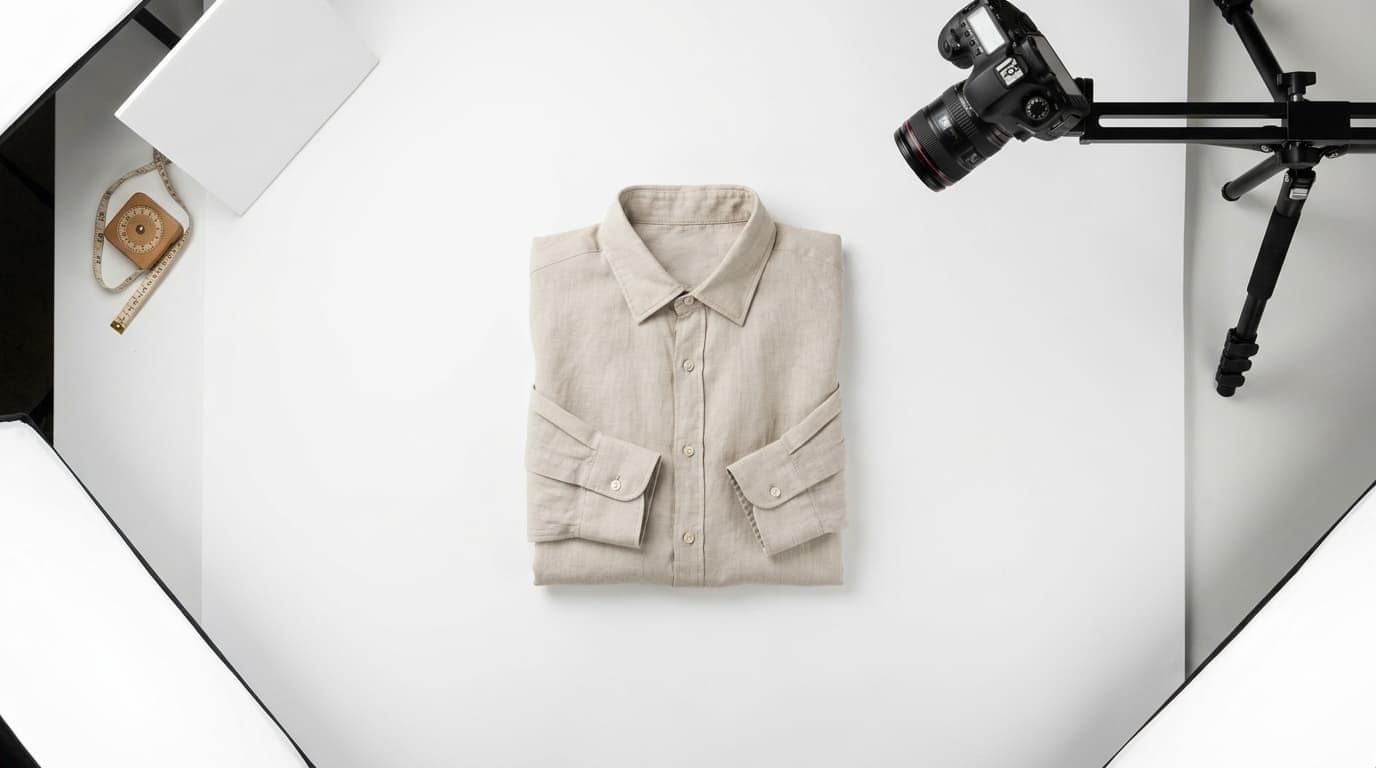
If you already know what ghost mannequin photography is and why clothing brands use it, this post is where you decide which method to actually use. It is not a tutorial. It is a buying guide.
Ghost mannequin - also called the invisible mannequin effect - is how most professional clothing e-commerce brands get the clean, 3D "hollow body" look in product photos without hiring models. The technique works. The question is whether you get there through outsourced editing services, Photoshop, a general-purpose photo-editing app, or a purpose-built AI fashion tool. Each option has a meaningfully different cost profile, time requirement, and output ceiling.
This post covers all four categories with real numbers: ghost mannequin price ranges, turnaround times, what each method actually produces, and where it falls apart at scale. If you need a primer on what the ghost mannequin effect is and how the traditional technique works, read our complete ghost mannequin effect guide first. If you are here to compare options and make a purchasing decision, keep reading.
How We Compared Them
Every category in this guide is evaluated against the same six criteria so the comparison stays honest across very different types of tools.
Cost per image - Total out-of-pocket cost, including time. A "free" Photoshop edit that takes 45 minutes of your time is not free.
Turnaround time - How long from submitting a garment (or photograph) to having a finished, publish-ready image.
Skill required - What the operator needs to know to get professional results. Zero-skill methods rely entirely on the tool; high-skill methods reward expertise and punish the lack of it.
Output quality - How well the finished image shows garment structure, fit, fabric drape, and the neck interior - the four areas where ghost mannequin images succeed or fail.
Scalability - How well the method holds up as your catalog grows. A method that works for 10 garments may collapse at 200.
Video output - Whether the workflow can produce video assets alongside stills. Reels, TikTok, and Shorts now require motion content for most fashion brands; this is no longer an optional capability.
Category 1: Outsourced Ghost Mannequin Services
Outsourced ghost mannequin services are the traditional professional option. You provide photographs - either raw mannequin shots or already-styled garments - and a retouching studio handles the Photoshop compositing. They deliver finished product images; you list them.
How They Work
Most services offer two tiers:
Editing only - You shoot on a mannequin, provide the raw front image and the interior plate (the inside-collar shot required for the composite), and the service produces the finished result. These run $0.89-$3.00 per image for straightforward garments, higher for complex items with multiple composite areas.
Full-service ghost mannequin photography - The service handles the shoot as well as the edit. You ship the garments; they photograph them on a mannequin in-studio, composite in post, and return finished images. This runs $15-$50 per SKU and higher, depending on garment complexity.
Well-known providers in this space include Pixelphant (editing-focused, tiered pricing), Clipping Path specialists on Fiverr and Upwork (variable quality, very low price floor), and dedicated apparel photography studios that combine shooting and editing for fashion brands.
Turnaround: 24-72 hours standard; 12-hour rush available at most providers for an additional fee.
When It Makes Sense
Outsourced ghost mannequin editing works well when you have a large one-time batch of already-photographed garments, a consistent shooting setup, and no immediate time pressure. If you are refreshing a catalog once per season and can deliver clean mannequin shots, editing-only services offer high-quality output at a reasonable per-image cost.
Where It Breaks Down
At scale, the economics erode. A brand processing 300 SKUs per season at $15/SKU (editing only, not including the physical shoot) is spending $4,500 per season on post-production alone. Add in physical mannequins, studio setup, and the labor to dress and photograph each garment, and the true cost per image rises considerably above the quoted editing rate.
Launch timing adds friction. If your samples arrive and you need to list within a week, a 24-72 hour editing queue on each batch introduces real delays - and revision rounds extend that further.
Outsourced services produce only still images. There is no video output.
Category 2: Photoshop DIY
Most clothing sellers start here. Photoshop is already in many Adobe Creative Cloud subscriptions, it is the industry standard for photo post-processing, and tutorials make the technique look approachable.
The honest assessment: it is not approachable for most people.
Ghost mannequin Photoshop work requires precise pen-tool masking around every garment edge, a properly shot interior plate, and the compositing skill to make the neck join look seamless. The neck interior is where the result either reads as professional or amateur - and it is consistently the hardest part. Sellers who attempt this and abandon it typically do so not because they are doing it wrong, but because they discover that the technique requires real skill that takes real time to build.
What Photoshop DIY actually costs:
- Photoshop: approximately $21/month (Adobe CC Photography Plan or single-app subscription)
- Time per garment: 20-30 minutes for an experienced editor; 45 minutes to 2+ hours if you are learning
- For 50 garments at 25 minutes average: approximately 21 hours of editing time, not counting the shoot itself
If your time is worth $50 per hour, 21 hours of Photoshop work on a 50-garment catalog is an $1,050 hidden cost on top of the software subscription. At higher catalog volumes this math becomes unsustainable quickly.
Photoshop DIY makes sense for brands that have a skilled in-house designer already using the software, with the time to build and maintain the workflow. It is a poor fit for founders doing everything themselves, teams without existing Photoshop expertise, and brands that need to turn new products around quickly.
If you want the complete Photoshop process - gear list, lighting setup, interior plate photography, and step-by-step compositing instructions - our ghost mannequin photography guide covers it in full.
Photoshop DIY produces only still images.
Category 3: General-Purpose Photo-Editing Apps
This category covers tools like PhotoRoom and Pixelcut - general-purpose AI photo editors with free tiers that handle background removal, product image cleanup, and various AI edits. Both are genuinely useful for e-commerce sellers and worth understanding before reaching for a specialist tool.
PhotoRoom
PhotoRoom is the most capable general-purpose option in this category for clothing photography. It removes mannequin backgrounds, isolates garments cleanly, and produces white-background product shots quickly. The free tier handles basic work; the paid Pro plan runs approximately $10-$13/month.
For ghost mannequin specifically, PhotoRoom's workflow requires you to photograph on a physical mannequin first, then use the app to remove the background. The full composite - including the neck interior - still needs to be handled separately, either manually in Photoshop or by using a second tool. PhotoRoom is a strong assist for sellers who already shoot on mannequins and need fast background removal. It is not a complete ghost mannequin solution on its own.
The more important limitation: PhotoRoom is not trained on clothing specifically. For straightforward T-shirts on plain backgrounds it performs well. For structured garments - blazers, layered pieces, knitwear - or anything involving sheer fabrics or fine edge detail, the results are less consistent. Fabric drape and neck interior rendering require software that understands garment geometry. General-purpose tools do not model this.
A related note: background removal for fashion involves specific challenges - transparent fabrics, fine hair, lace edges - that general tools handle differently than fashion-trained AI background tools.
Pixelcut
Pixelcut is a simpler, mobile-first product photo editor. Its background removal is its core feature. For ghost mannequin, it has the same category limitations as PhotoRoom: useful for background removal, not a full ghost mannequin compositor.
Pricing: Free tier available; Pro at approximately $7.99-$9.99/month.
What This Category Gets Right and Where It Falls Short
These tools are fast, inexpensive, and require no technical skill for basic tasks. For sellers who need clean white-background product shots and can live with flat-lay photography, they deliver real value.
For ghost mannequin specifically, the gap is the composite itself. Removing a mannequin and producing a convincing hollow-body effect - with a properly rendered neck interior that shows collar depth and garment structure - requires more than background removal. It requires the AI to understand that a garment is a 3D object with interior surfaces. General-purpose tools do not have this. Purpose-built fashion AI tools do.
Neither PhotoRoom nor Pixelcut produces video output.
Category 4: Purpose-Built AI Fashion Tools - FuturMotion
This category addresses a limitation none of the above options solve: starting from a flat-lay photograph and producing a professional ghost mannequin result - or going further, to on-model images and motion video - without a physical shoot, mannequin, or editing skill.
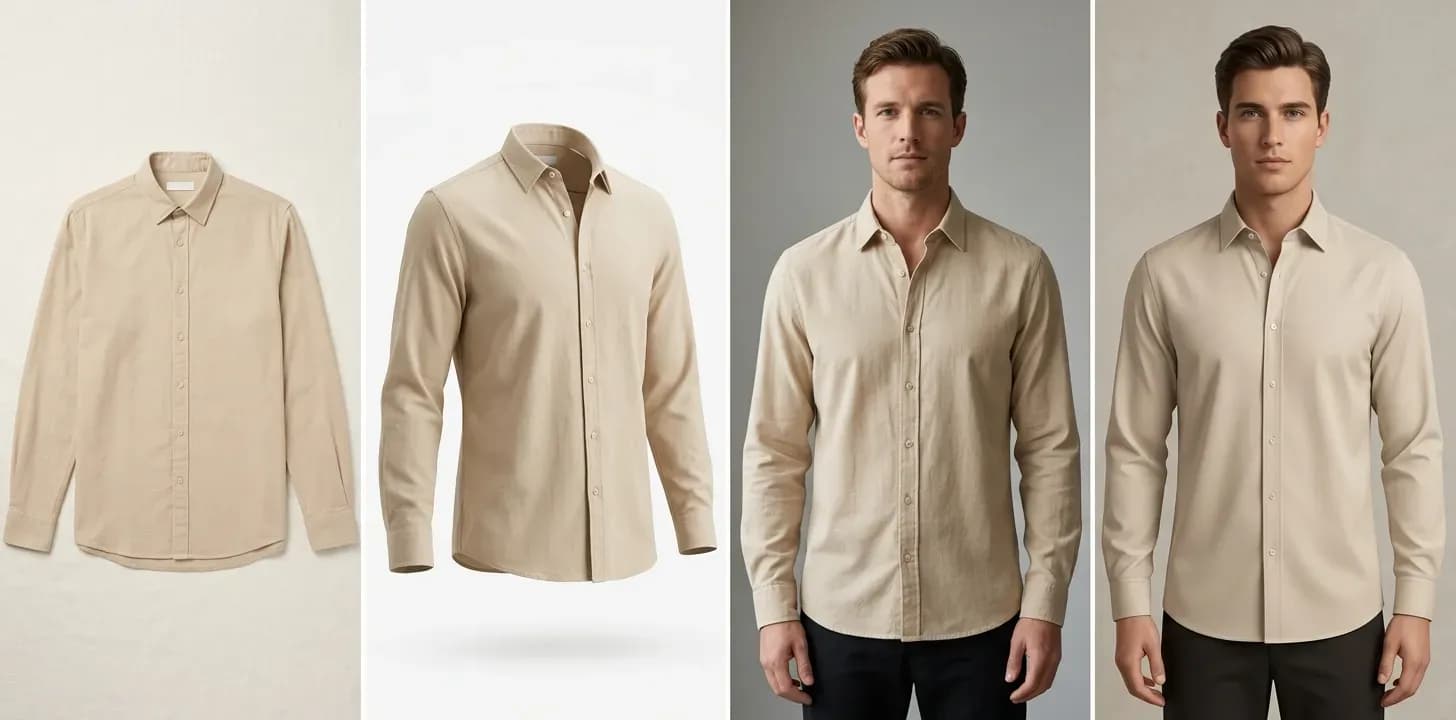
FuturMotion's ghost mannequin alternative is built specifically for fashion e-commerce. You upload a flat-lay photograph. In under 60 seconds, you get professional product images that show the garment's 3D shape - collar depth, fabric drape, how the piece falls - as if it were on an invisible body. No mannequin required. No Photoshop.
What Makes It Different from General Apps
The functional difference between FuturMotion and the tools in Category 3 is the underlying model. FuturMotion is trained on clothing and garment structure specifically. In practice, this means:
- Fabric drape is rendered accurately for the garment type - a structured blazer drapes differently than a jersey T-shirt, and the AI models this distinction
- Neck interior is generated with the depth and dimensional quality that makes a ghost mannequin composite look convincing - the exact failure point for most DIY Photoshop attempts and general-purpose AI tools
- Garment geometry - collar shape, shoulder structure, hem line - is preserved rather than approximated
The output looks like a properly lit, properly composited ghost mannequin image because the model understands what that should look like for apparel.
Pricing
FuturMotion runs on a credits-based monthly subscription:
| Plan | Monthly Price | Credits |
|---|---|---|
| Basic | $25/month | 2,000 credits |
| Creator | $49/month | 5,000 credits |
| Studio | $199/month | 25,000 credits |
At the Creator tier, processing runs approximately $0.50 per garment or lower - compared to $15-$50 per SKU for outsourced full-service work, or the 20-45 minutes per garment of Photoshop editing time.
One honest caveat: FuturMotion's credit model is a monthly subscription, not pay-per-image. If your catalog updates are infrequent - say, one batch of 20 garments per quarter - a monthly subscription may cost more than a single outsourced editing job for that batch. For brands that update inventory regularly, run frequent product drops, or need a standing production workflow, the subscription model pays off quickly.
The Video Advantage
FuturMotion's core output is not only a still image. It is a Living Motion video - a short, loop-ready animated video that shows the garment with fabric-aware motion. Reels, TikTok, and Shorts are now standard distribution channels for fashion e-commerce. Every other method in this comparison produces stills only.
The workflow that previously required a separate video shoot - or was simply skipped - is the same step as getting the product image.
FuturMotion's full AI fashion photography suite includes Virtual Try-On, FrameSync for multi-photo sequences, and AI Image Edit alongside the ghost mannequin functionality - making it a broader production platform for fashion brands rather than a single-use editor.
The Comparison Table
| Method | Cost Per Image | Turnaround | Skill Required | Output Quality | Scalability | Video Output |
|---|---|---|---|---|---|---|
| Outsourced editing only | $0.89-$3.00 | 24-72h | None | High (variable by provider) | Medium | No |
| Outsourced full-service | $15-$50 | 24-72h | None | High | Low-Medium | No |
| Photoshop DIY | ~$21/mo + 20-45 min/garment | 20-45 min | High | High (when skilled) | Low | No |
| PhotoRoom / Pixelcut | Free-$0.30 | Instant | Low | Medium (not fashion-specific) | Medium | No |
| FuturMotion | ~$0.50+ (subscription) | Under 60 sec | None | High (fashion-trained) | High | Yes |
For a detailed side-by-side of FuturMotion versus traditional ghost mannequin photography on cost, time, and output, see the ghost mannequin alternative page.
How to Choose
The right method depends primarily on your catalog volume and how often you add new products - not on which tool has the most features.
Under 50 SKUs, infrequent updates (once or twice per year):
Outsourced editing-only services or Photoshop DIY are reasonable choices. A one-time batch cost is manageable, and there is no need for an ongoing subscription. Use an editing service if you lack Photoshop skills; use DIY if you have them and can absorb the editing time.
Under 50 SKUs, but new products launch regularly:
The 24-48 hour turnaround queue on outsourced services becomes friction on every drop. Photoshop DIY requires editing time on every new batch. This is where AI tools start to justify their subscription cost - particularly if your drops are weekly or bi-weekly.
100+ SKUs or regular catalog updates:
The economics shift clearly toward AI. At 200 SKUs per season with outsourced full-service at $20/SKU, you are spending $4,000 per season on ghost mannequin editing alone - before accounting for mannequin photography costs. FuturMotion at the Creator tier ($49/month) handles the same volume for under $100/month with no shooting overhead.
If you also need motion content:
No other method in this comparison produces video. If your brand is active on Reels, TikTok, or Shorts - or needs to be - FuturMotion is the only option that produces both the still product image and the motion asset in the same workflow.
Frequently Asked Questions
How much does a ghost mannequin service cost?
Ghost mannequin service pricing depends on what is included. Editing-only services - where you provide the raw mannequin shots - typically charge $0.89-$3.00 per image. Full-service providers that handle the shoot as well typically charge $15-$50 per SKU, with higher rates for structured or complex garments. Rush turnaround usually adds a 20-50% premium.
Ghost mannequin cost at scale accumulates quickly. A brand processing 200 SKUs per season at $15/SKU (editing only) is spending $3,000 per season on post-production before accounting for any photography costs. AI-based alternatives on a Creator-tier subscription run closer to $0.50 per image with no shooting overhead.
What is the best ghost mannequin app?
For standalone mobile or web use, PhotoRoom is the most capable general-purpose option - it handles background removal well and has a useful free tier. For a purpose-built ghost mannequin workflow that generates the full 3D effect from a flat-lay photograph - including accurate fabric drape and neck interior - without requiring a mannequin, Photoshop, or a physical shoot, FuturMotion is the most complete option in 2026. The two tools solve different parts of the problem.
Can I do ghost mannequin editing online without Photoshop?
Yes, through two different paths. The first is an outsourced editing service: you submit your mannequin photographs online, and the retouching studio handles the compositing. No Photoshop required on your end. The second is an AI tool like FuturMotion: you upload a flat-lay photo, and the AI generates the ghost mannequin effect without a mannequin, Photoshop, or a studio. Results are ready in under 60 seconds.
General-purpose apps like PhotoRoom assist with background removal but do not produce the full ghost mannequin composite from a flat-lay starting point.
How long does ghost mannequin editing take?
Turnaround varies significantly by method:
- Outsourced services: 24-72 hours from file submission to delivery. Rush orders at most providers run 12 hours.
- Photoshop DIY: 20-30 minutes per garment for an experienced editor; 45 minutes to 2+ hours per garment while learning.
- AI tools (FuturMotion): Under 60 seconds per garment.
The difference becomes meaningful at volume. Processing 50 garments through an outsourced service means waiting up to three days. The same 50 garments through FuturMotion takes under an hour.
Are AI ghost mannequin tools accurate for clothing?
It depends on the tool. Generic AI image generators and general-purpose background removal apps struggle with clothing specifically - fabric drape, garment structure, and neck interior compositing are areas where models not trained on fashion tend to produce distorted or unconvincing results.
Purpose-built fashion AI tools are a different category. FuturMotion is trained on garment structure, which means fabric drape, collar depth, and the 3D silhouette of a garment are modeled differently than in a generic image tool. The difference is most visible on structured garments - blazers, fitted dresses, knitwear - where a general AI produces visible artifacts and a fashion-trained model does not.
Is there a free ghost mannequin service or app?
Several tools offer free tiers: PhotoRoom and Pixelcut both have free plans that cover basic background removal. FuturMotion offers a trial; the paid Basic plan starts at $25/month for 2,000 credits.
Professional-quality ghost mannequin editing - including accurate neck interior compositing - is not available at no cost in any sustained workflow. Services that offer free samples typically impose quality or volume limits. For ongoing catalog production, a paid option, whether outsourced or subscription-based AI, is the practical choice.
What is the difference between ghost mannequin and invisible mannequin?
The two terms describe the same technique. Ghost mannequin and invisible mannequin are used interchangeably across the photography industry, by editing services, and in most buyer searches. Some studios use "hollow man photography" as a third synonym. All three refer to the same method: photograph a garment on a mannequin, composite out the mannequin in post-production, and produce a 3D product image that shows the garment's shape as if worn by an invisible body.
Which method works best for a brand that launches new products every week?
Outsourced services impose a 24-48 hour editing queue on every batch, which creates consistent friction on weekly drops. Photoshop DIY requires editing time on every new product. For brands on regular launch cadences, AI tools are the practical choice. FuturMotion processes a garment in under 60 seconds, which means a 10-piece weekly drop is finished in minutes rather than queued for days.
Which Option Is Right for You?
The ghost mannequin effect is standard practice for professional clothing e-commerce. The method you use to produce it is a business decision, not a creative one.
For large one-time batches with no time pressure, outsourced editing services remain a solid choice. For brands with strong in-house Photoshop skills and available editing time, DIY is viable. For brands managing growing catalogs, frequent launches, or any need for motion content alongside stills, purpose-built AI is where the economics and capability align.
FuturMotion generates professional ghost mannequin images from flat-lay photos in under 60 seconds and produces Living Motion video in the same workflow - no mannequin, no studio, no Photoshop. If you are making this decision in 2026 with a catalog that moves and a social commerce presence to feed, that combination is worth a close look.
Related Articles
Read our other article
Dive into more guides to help you grow
May 28, 2026How to Photograph Clothes to Sell Online (2026 Guide)
Compare all 4 clothing photography methods by budget and skill - flat lay, ghost mannequin, on-model, and AI - and find the right approach for your catalog.
 May 4, 2026
Flat Lay vs. On-Model Photos: Which Actually Converts Better?
The conversion data behind flat lay vs. on-model photography-costs, tradeoffs, and the middle-ground options that close the gap without a $10K shoot.
 Apr 28, 2026
Flat Lay Clothing Photography: Complete Setup Guide for Ecommerce
Set up flat lay clothing photography on any budget - gear, lighting, styling, and a practical path to upgrading flat lays into on-model shots with AI.